
HH98 Game Login Problems and Solutions Easy Fixes for 2026
Having trouble accessing your gaming account can be frustrating, especially when you know your username and password are correct. HH98 Game Login Problems and Solutions can vary from weak internet connections and incorrect credentials to outdated applications, browser issues, or temporary server maintenance. The good news is that many of these common problems can be checked and fixed with a few simple steps, without creating a new account.
This guide explains the most common HH98 Game login problems and provides practical steps to troubleshoot them. The login page associated with the site says users can sign in with their registered mobile number or username and password, while a forgotten password option may be available for account recovery.
Check Your Internet Connection First
Before changing passwords or reinstalling anything, check whether your internet connection is working properly. A weak mobile-data signal or unstable Wi-Fi can prevent the login page from loading completely.
Try opening another website or application on your phone. If other services are also loading slowly, the problem is probably your connection rather than your account.
You can try these quick steps:
- Switch from Wi-Fi to mobile data.
- Move to an area with better network coverage.
- Turn airplane mode on for a few seconds and then turn it off.
- Restart your Wi-Fi router if you are using a home connection.
- Close other applications that may be using significant bandwidth.
Once the connection becomes stable, reopen the login screen and try again.
Double Check Your Username or Mobile Number
One of the simplest causes of an unsuccessful sign-in is entering the wrong account information. A single missing digit in a phone number or an extra space in a username can prevent access.
Enter the same mobile number, username, or email address that you originally used during registration. Do not guess different numbers repeatedly because this can make troubleshooting more confusing.
Also check whether your keyboard has automatically inserted spaces or changed characters. If you are copying a username or password, make sure you have not accidentally copied an extra space before or after it.
Check Your Password Carefully
Passwords are another frequent source of login errors. Remember that passwords are normally case-sensitive, so uppercase and lowercase letters can make a difference.
Before trying again, check:
- Caps Lock on your keyboard
- Numbers and special characters
- Uppercase and lowercase letters
- Accidental spaces
- Whether you recently changed your password
If you cannot remember the correct password, use the available Forgot Password option rather than repeatedly guessing. The site’s login guide recommends using password recovery when the original password is forgotten.
What to Do If You Forgot Your Password?
Forgetting a password does not necessarily mean you need another account. Look for the password-recovery option on the sign-in page and follow the verification instructions shown there.
You may need access to the phone number or other contact method connected with the account. Enter the requested information carefully and use the newest verification code if one is sent.
Never give your password, OTP, PIN, or payment information to someone claiming to be customer support through an unofficial WhatsApp, Telegram, or social-media account. Verification codes should remain private.
Clear Browser Cache and Cookies
Sometimes the login page itself can behave strangely because old browser data is interfering with the current session. Clearing cached files can help when a page repeatedly freezes, fails to load, or displays an outdated version.
On most Android phones, you can try:
- Open your browser settings.
- Find the privacy or browsing-data section.
- Select cached images and files.
- Clear the relevant data.
- Close and reopen the browser.
- Visit the login page again.
Google also recommends clearing cache when troubleshooting certain Android sign-in problems.
If you do not want to clear your normal browser data, try opening the page in a private/incognito window first. This can help determine whether an old session is causing the problem.
Update the Application
An outdated APK or application version can sometimes cause compatibility issues. If the application suddenly stops working after previously functioning normally, check whether a newer version is available from the platform’s trusted source.
Before installing any APK, verify where it came from. Avoid random download pages or files sent by strangers because an APK from an unknown source can create security risks.
It is also sensible to keep Android itself updated when your device supports newer security and system updates.
The App Opens but Login Does Not Work
Another situation is when the application launches normally but refuses to move beyond the sign-in screen. This may happen because of corrupted temporary data, an unstable connection, or a temporary service-side problem.
Try the following sequence:
- Close the application completely.
- Check your internet connection.
- Restart your phone.
- Open the application again.
- Enter your login information manually.
- If the problem remains, clear the application’s cache through Android settings.
- Do not immediately delete important account data unless you understand what will be removed. Start with clearing temporary cache files.
Login Page Is Blank or Keeps Loading
A blank page does not always indicate an account problem. It may be related to the browser, network, or temporary server conditions.
Try opening the page again after several minutes. You can also test another browser to see whether the same problem occurs.
If the website works on another browser but not your normal one, clearing the original browser’s cache and cookies may resolve the issue.
If nobody can access the service at the same time, there may be temporary maintenance or a server-side issue. In that situation, repeatedly changing your password will not solve the underlying problem.
OTP or Verification Code Problems
Some accounts may require an additional verification step, particularly during account recovery or when accessing an account from a different device. The exact verification process can change depending on the current platform setup.
If a verification code does not arrive:
- Confirm that the registered number is correct.
- Check your mobile signal.
- Wait briefly before requesting another code.
- Avoid requesting multiple codes rapidly.
- Check your SMS inbox.
- Use the most recent code if several arrive.
- Contact the platform’s official support channel if the issue continues.
Most importantly, never send an OTP to another person.
New Phone or Different Device
Moving to another smartphone can sometimes trigger additional security verification. This does not necessarily mean that your account has been deleted.
Make sure you are entering the original account credentials and complete any verification step presented by the official login system.
If you still cannot access the account after changing devices, use the official recovery method rather than registering a second account immediately.
Account Temporarily Locked
Repeatedly entering incorrect credentials may cause temporary access restrictions on some online services. If you have tried many different passwords, stop guessing and wait before attempting another login.
If the platform provides a password-reset option, use it instead. If you believe the account has been locked or compromised, contact official support and explain exactly what happened.
Avoid paying anyone who promises to “unlock” your account through unofficial channels.
When Nothing Seems to Work
If you have checked your connection, credentials, browser, application version, and password-recovery options but still cannot sign in, the issue may require assistance from the platform itself.
Before contacting support, prepare basic information such as:
- Your registered username or mobile number
- The approximate time the problem started
- Your phone model
- Android version, if relevant
- The exact error message
- Whether you recently changed your password or device
Do not send your password, OTP, PIN, or complete payment credentials in a support message.
Keep Your Account Protected
Solving a login problem is only part of the process. Good account habits can reduce the chance of future access problems.
Use a unique password that you do not reuse for banking, email, Easypaisa, JazzCash, or social-media accounts. Keep your phone protected with a screen lock and avoid signing into personal accounts on shared devices.
The site’s own login guidance also recommends keeping credentials private, avoiding public or shared devices where possible, and logging out after using another person’s device.
If you receive a login or OTP message that you did not request, treat it carefully. It could indicate that somebody is attempting to access your account.
Quick Troubleshooting Checklist
If you want a short version, work through this list in order:
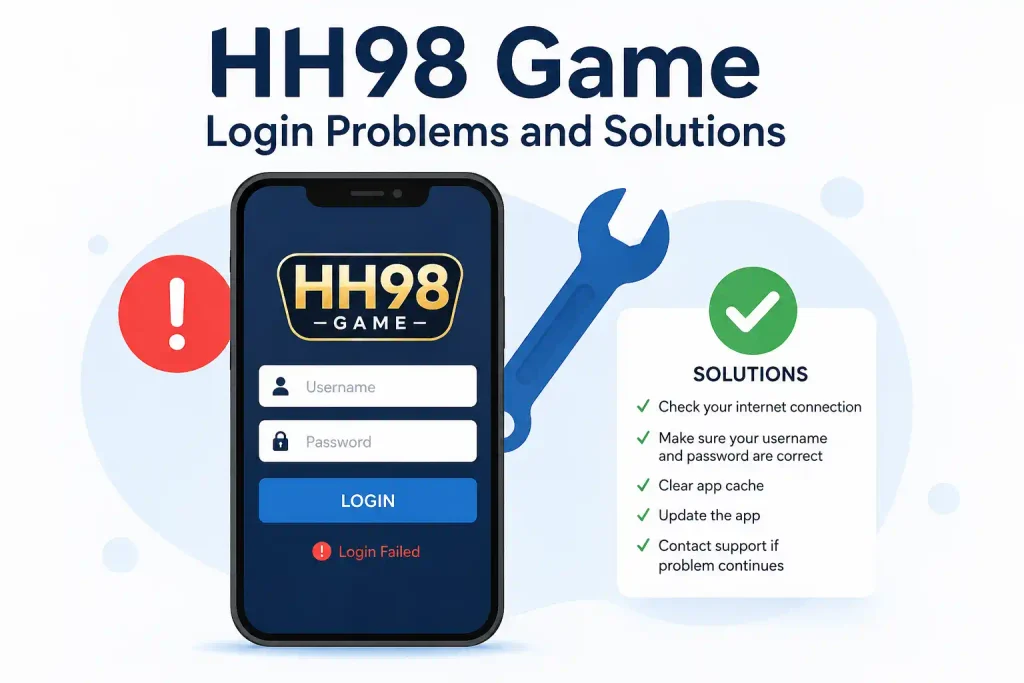
- Check your internet connection.
- Confirm your registered mobile number or username.
- Re-enter the password carefully.
- Check Caps Lock and special characters.
- Use password recovery if necessary.
- Restart the application or browser.
- Clear temporary cache files.
- Try another browser or compatible device.
- Check whether the service is temporarily unavailable.
- Contact official support if the problem continues.
Final Thoughts HH98 Game Login Problems and Solutions
Most HH98 Game login problems are not complicated and can often be traced to incorrect credentials, connectivity issues, outdated software, browser cache, or verification difficulties. Taking a step-by-step approach is better than repeatedly entering random passwords or creating multiple accounts.
Start with the easiest checks, such as your internet connection and login details, before moving to cache clearing or password recovery. If the problem appears to be service-side, give the platform some time and check its official support channel.
Above all, protect your password and verification codes. Do not trust people who request private account information in exchange for a promised login fix. Also remember that gaming platforms involving real-money transactions can carry financial risks, so only use funds you can afford to lose and review the platform’s terms before making transactions.